DX 에서는 자체적으로 노멀 벡터를 그리는 것을 지원하지 않는다.
실습을 통해 각 버텍스들의 노멀 벡터를 그려보자.
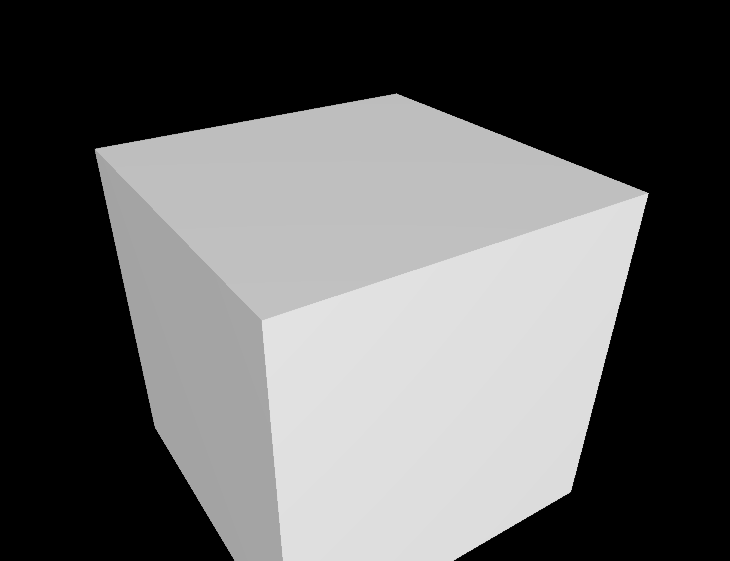
먼저 아래의 버텍스쉐이더 vs 함수를 보면 가장 중요한 것은 texcoord 이다. 노멀벡터 선을 그리는데 texcoord 를 보간해서 정해준다던지 이럴필요가 없다. 그냥 0,1 만 있으면 된다. float t 에 0이 들어가면 시작점. 1이 들어가면 끝점이 되어 아래 연산에서 scale (길이) 만큼 그려질것이다.
PixelShaderInput main(VertexShaderInput input)
{
    PixelShaderInput output;
    float4 pos = float4(input.posModel, 1.0f);

    // Normal 먼저 변환
    float4 normal = float4(input.normalModel, 0.0f);
    output.normalWorld = mul(normal, invTranspose).xyz;
    output.normalWorld = normalize(output.normalWorld);

    pos = mul(pos, model);

    float t = input.texcoord.x;

    pos.xyz += output.normalWorld * t * scale;

    output.posWorld = pos.xyz;

    pos = mul(pos, view);
    pos = mul(pos, projection);

    output.posProj = pos;
    output.texcoord = input.texcoord;

    output.color = float3(1.0, 1.0, 0.0) * (1.0 - t) + float3(1.0, 0.0, 0.0) * t;

    return output;
}
이제 저 scale 이 포함된 노멀 전용 버퍼 구조체를 만들어준다.
struct NormalVertexConstantBuffer {
    Matrix model;
    Matrix invTranspose;
    Matrix view;
    Matrix projection;
    float scale = 0.1f;
    float dummy[3];
};
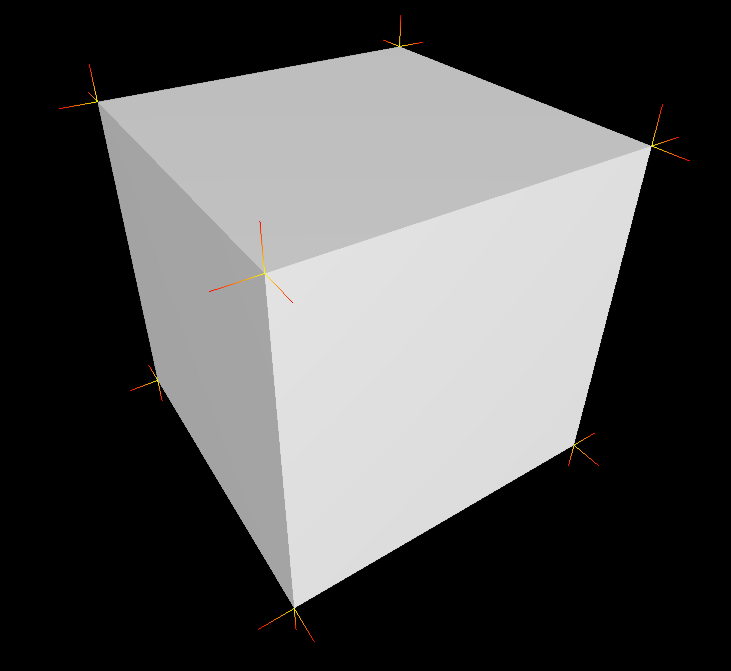
알고 가야 할 점이 여기서는 노멀 벡터를 '선'으로 나타내는 것이다. 따라서 어떤 박스가 있고 박스의 꼭지점에서 나오는 노멀벡터 선들은 다른 메쉬가 된다. 따라서 박스 따로 그리고 수직선분도 메ㅔ쉬로서 각자 따로 그리는 것이라고 이해해야한다. 버텍스만 공유할 뿐이지.
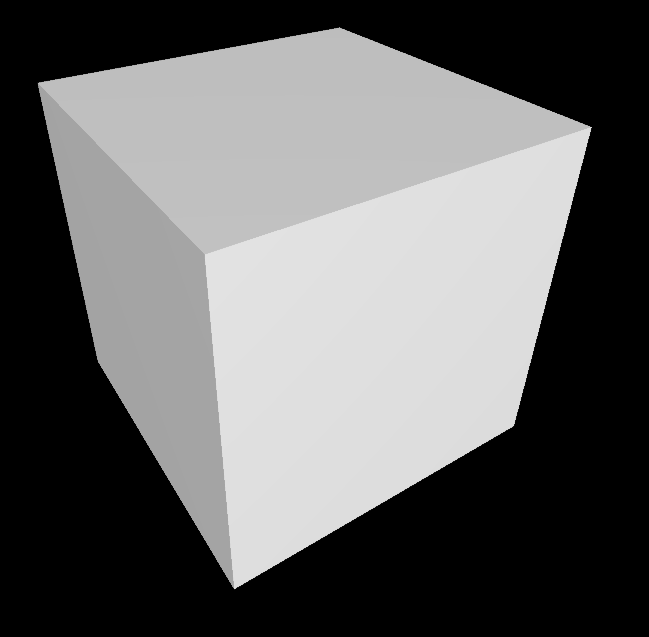
밑에 사진들을 보면 저 노멀 벡터들이 전부 메쉬들이라고 할 수 있다.
위에 있는 구조체를 이용해서 선을 그릴수있지만 최적화 관점에서 코드를 조금 수정해보면
struct NormalVertexConstantBuffer {
   /* Matrix model;
    Matrix invTranspose;
    Matrix view;
    Matrix projection;*/
    float scale = 0.1f;
    float dummy[3];
};
일단 행렬과 관련된건 기존에 사용하고 있었으니 뺀다.
이 말은 아래처럼 업데이트에서 cpu 가 gpu 로 보내는 데이터가 줄어든다는 의미다. (중복해서 안보냄)!
(Update 함수 중 일부)
    // 노멀 벡터 그리기
    if (m_drawNormals && m_dirtyFlag) {
        // TODO: 여기에 필요한 내용들 작성

       //m_normalVertexConstantBufferData.model =
       //    m_BasicVertexConstantBufferData.model;
       //m_normalVertexConstantBufferData.view =
       //    m_BasicVertexConstantBufferData.view;
       //m_normalVertexConstantBufferData.projection =
       //    m_BasicVertexConstantBufferData.projection;
       //m_normalVertexConstantBufferData.invTranspose =
       //    m_BasicVertexConstantBufferData.invTranspose;

        AppBase::UpdateBuffer(m_normalVertexConstantBufferData,
                              m_normalLines->m_vertexConstantBuffer);

        m_dirtyFlag = false;
    }
}
그리고 나면 Render 함수에서는 기존 메쉬 그리기처럼 쉐이더 버퍼 셋팅을 해준다. 기존에 그리던 박스와는 다른 쉐이더를 사용하고 있고 버퍼도 다르기 때문에 한 스코프 내에서 이렇게 넣어줘도 괜찮다. 어짜피 그리는 것을 반복하는것은 gpu 다.
보면 상수 버퍼를 2가지 사용하는데 기존에 행렬을 가지고 있던 버퍼와 새로 만든 버퍼 2가지를 셋팅해준다.
그리고 나서 Draw Call 을 하면 행렬 연산의 중복이 일어나지 않아 최적화 되어 진다.
// 노멀 벡터 그리기
if (m_drawNormals) {

    // TODO: 여기에 필요한 내용들 작성
    m_context->VSSetShader(m_normalVertexShader.Get(), 0, 0);


    // 2가지 상수 버퍼 쓰겠다.
    ID3D11Buffer *pptr[2] = {m_mesh->m_vertexConstantBuffer.Get(),
                             m_normalLines->m_vertexConstantBuffer.Get()};
    m_context->VSSetConstantBuffers(0, 2, pptr);

    m_context->PSSetShader(m_normalPixelShader.Get(), 0, 0);
    // m_context->IASetInputLayout(m_basicInputLayout.Get()); // 같은거 쓰면 빼도 돼
    m_context->IASetVertexBuffers(
        0, 1, m_normalLines->m_vertexBuffer.GetAddressOf(), &stride,
        &offset);
    m_context->IASetIndexBuffer(m_normalLines->m_indexBuffer.Get(),
                                DXGI_FORMAT_R16_UINT,0);

   //m_context->PSSetConstantBuffers(
   //    0, 1, m_normalLines->m_pixelConstantBuffer.GetAddressOf());

    m_context->IASetPrimitiveTopology(D3D11_PRIMITIVE_TOPOLOGY_LINELIST);
    m_context->DrawIndexed(m_normalLines->m_indexCount, 0, 0);
}
대신 HLSL 에서 노멀 벡터 선을 그리기 위한 쉐이더에서는 기존의 상수 버퍼 형식을 넣어주어야하며 순서에 따라 레지스터에 담길 순서 또한 정해줘야한다.
cbuffer BasicVertexConstantBuffer : register(b0)
{
    matrix model;
    matrix invTranspose;
    matrix view;
    matrix projection;
};

cbuffer NormalVertexConstantBuffer : register(b1)
{
   // matrix model;
   // matrix invTranspose;
   // matrix view;
   // matrix projection;
    float scale; // 그려지는 선분의 길이 조절
};


